



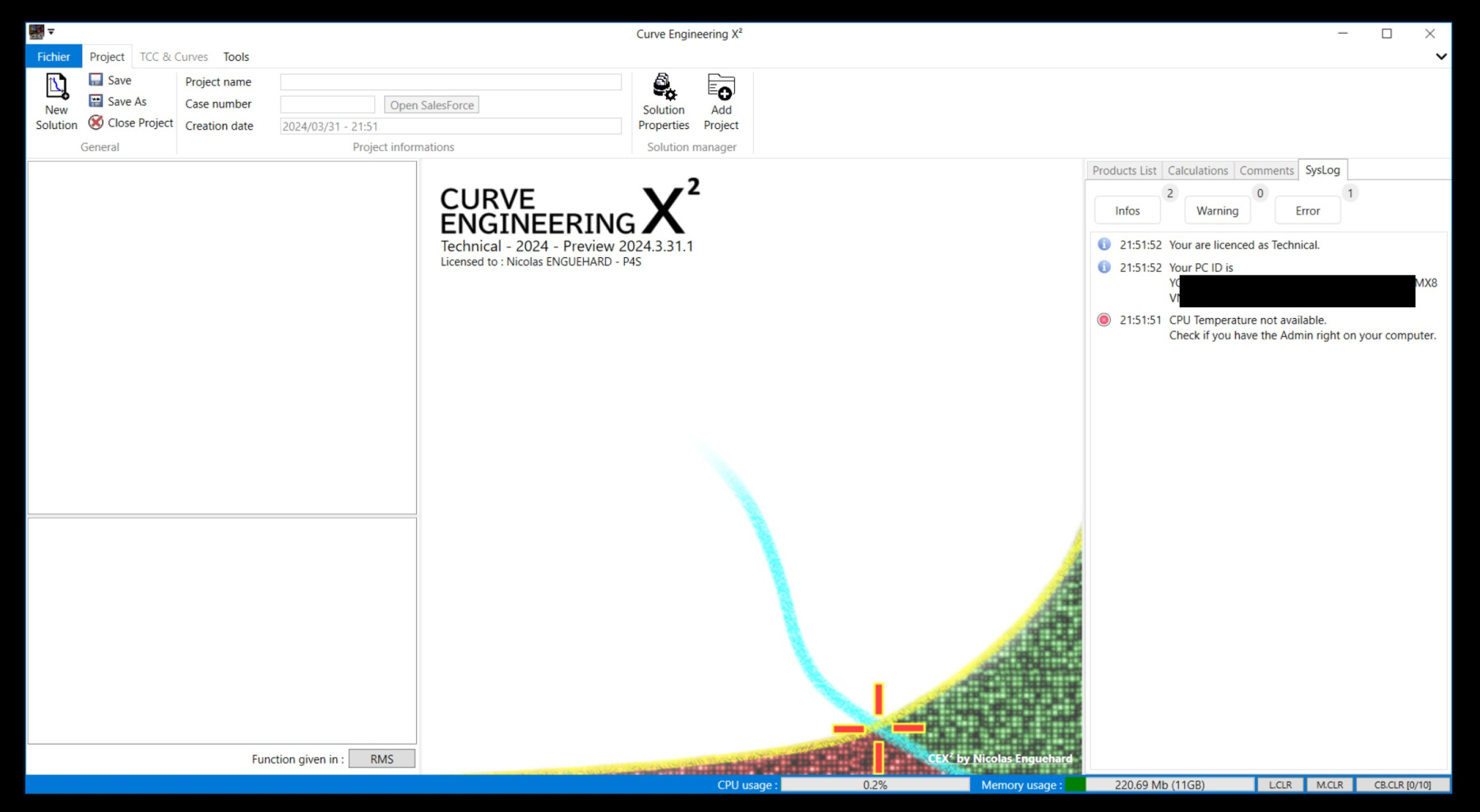
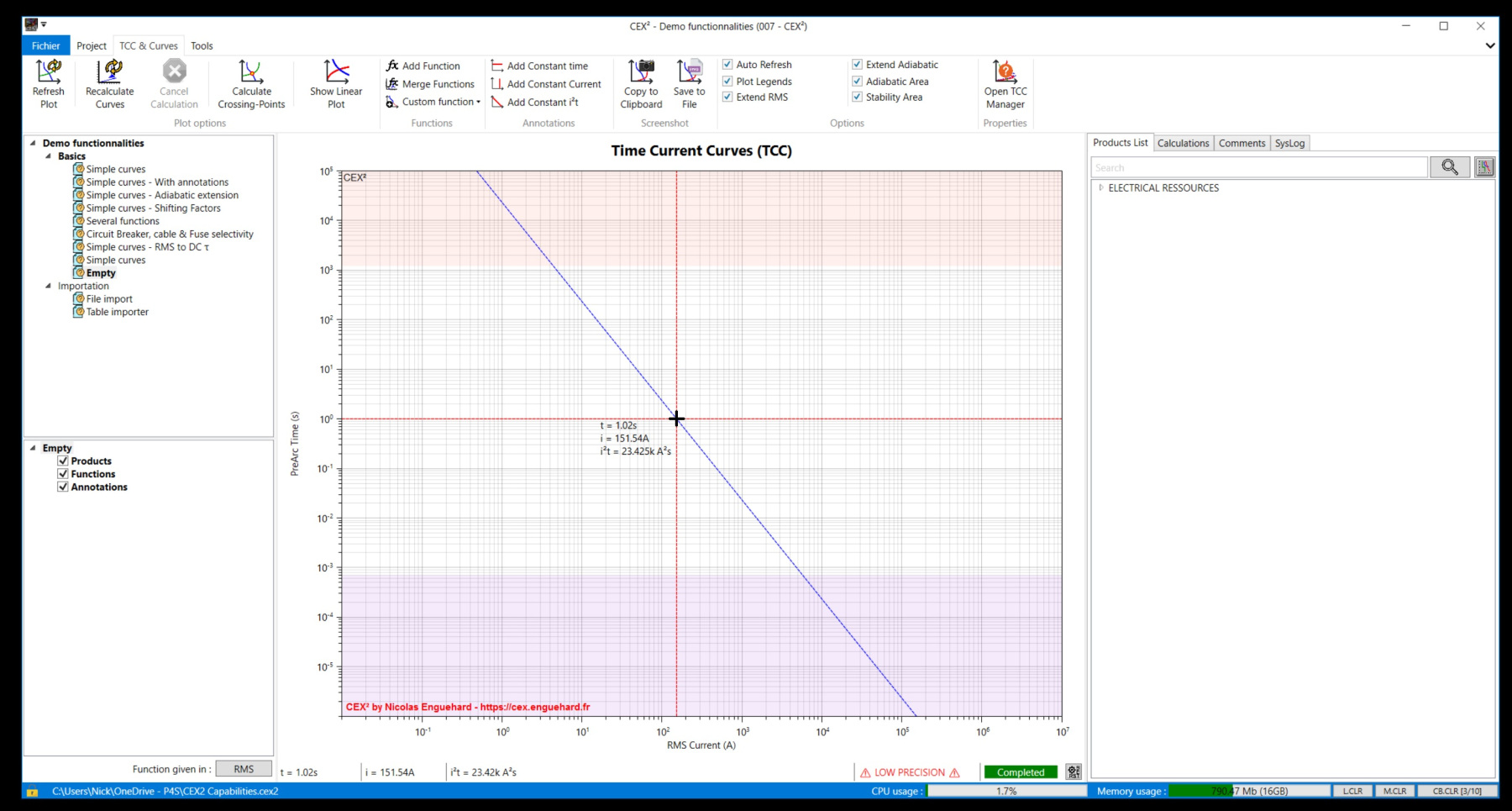


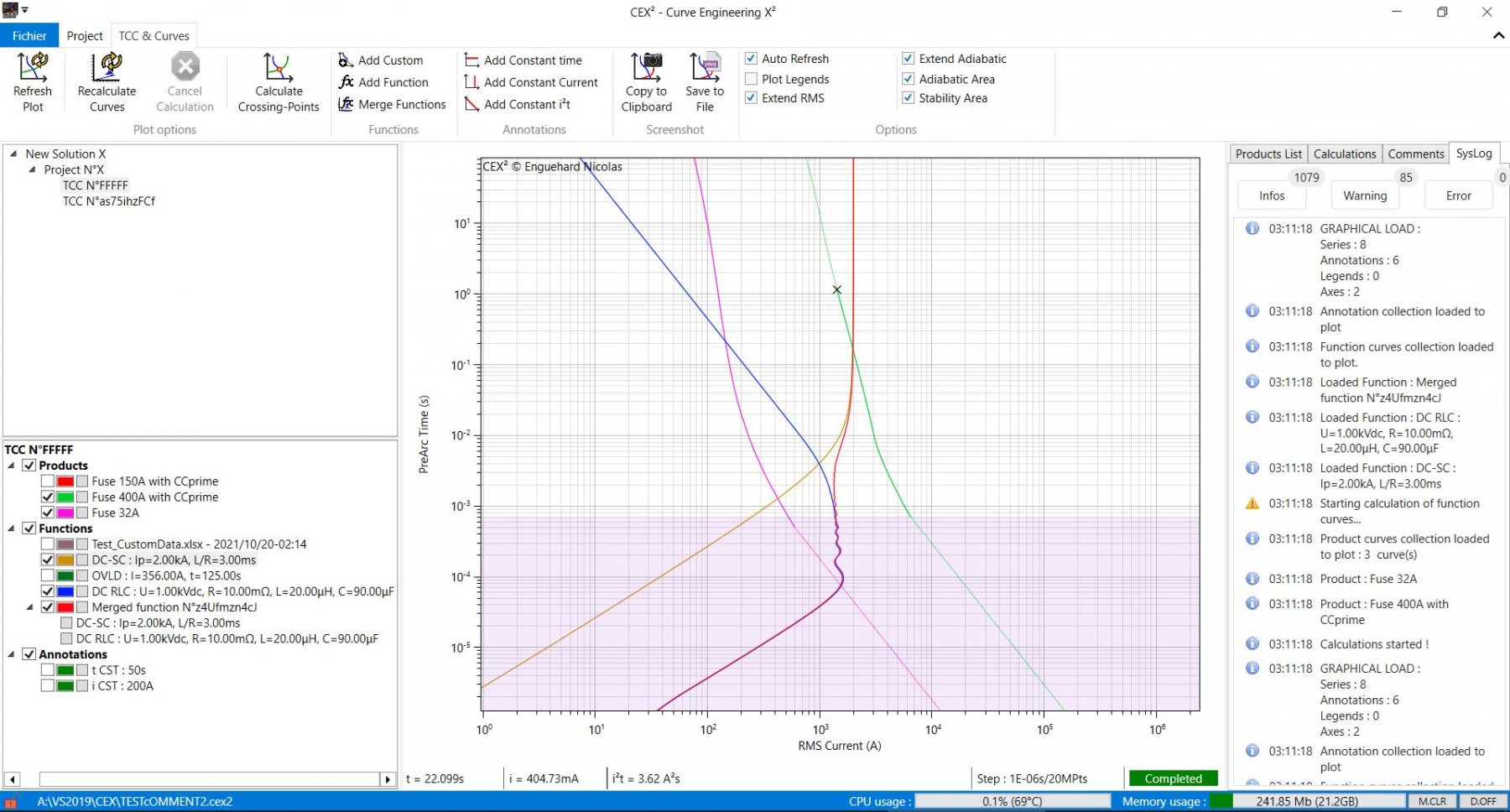
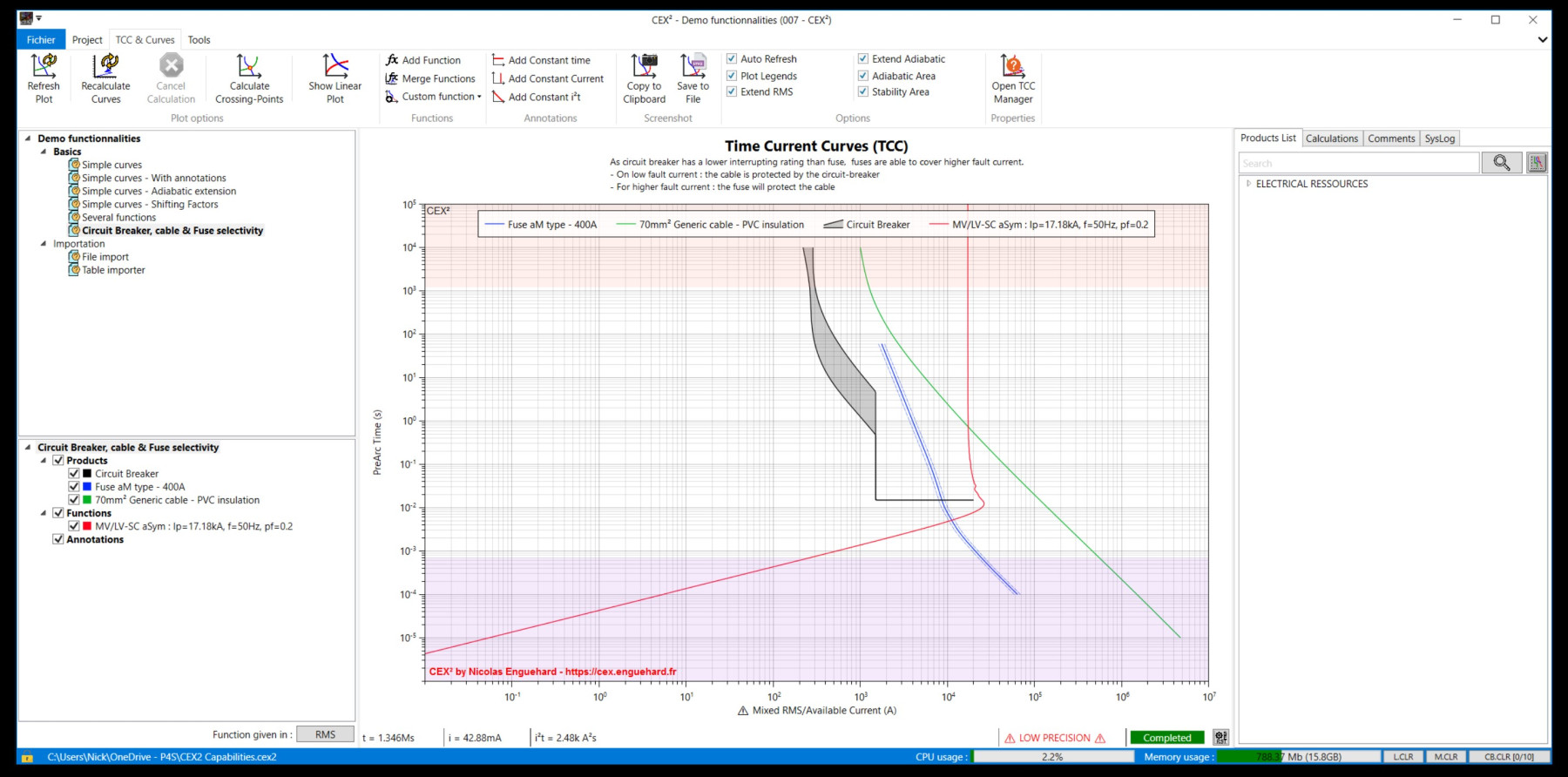





CEX² (Actual version)
Fix on some minor bug on license information, and modification of the app update manager to connect it to STARE suite.
Updated licence manager with online validation, avoiding to request a key for each computer.
Now a key will be sent to the user, and user need to register the key online (require an internet connection). The validity of the key is checked by the server AND the software, and will mainly depends on the date expirancy and number of time the key has been used (Single or Volume license).
Telemetric information can be send to the server, but this is unchecked by default, so no data expected the key will be send to the server. If user is willing to send telemetric activities, the user must check the telemetric checkbox, then the app will collect only computer caracteristics (here are the datas collected : Last license check date, APP name, APP Version, Plugin Name, Plugin Version, CPU info, Memory info, GPU info, User IP, Device Type, Operating System).
Note that a key may contain datas such as name, company name and mail address necessary in the process of Key request, generation and authentification. These sensitive datas between the App and the server are encrypted to ensure security.
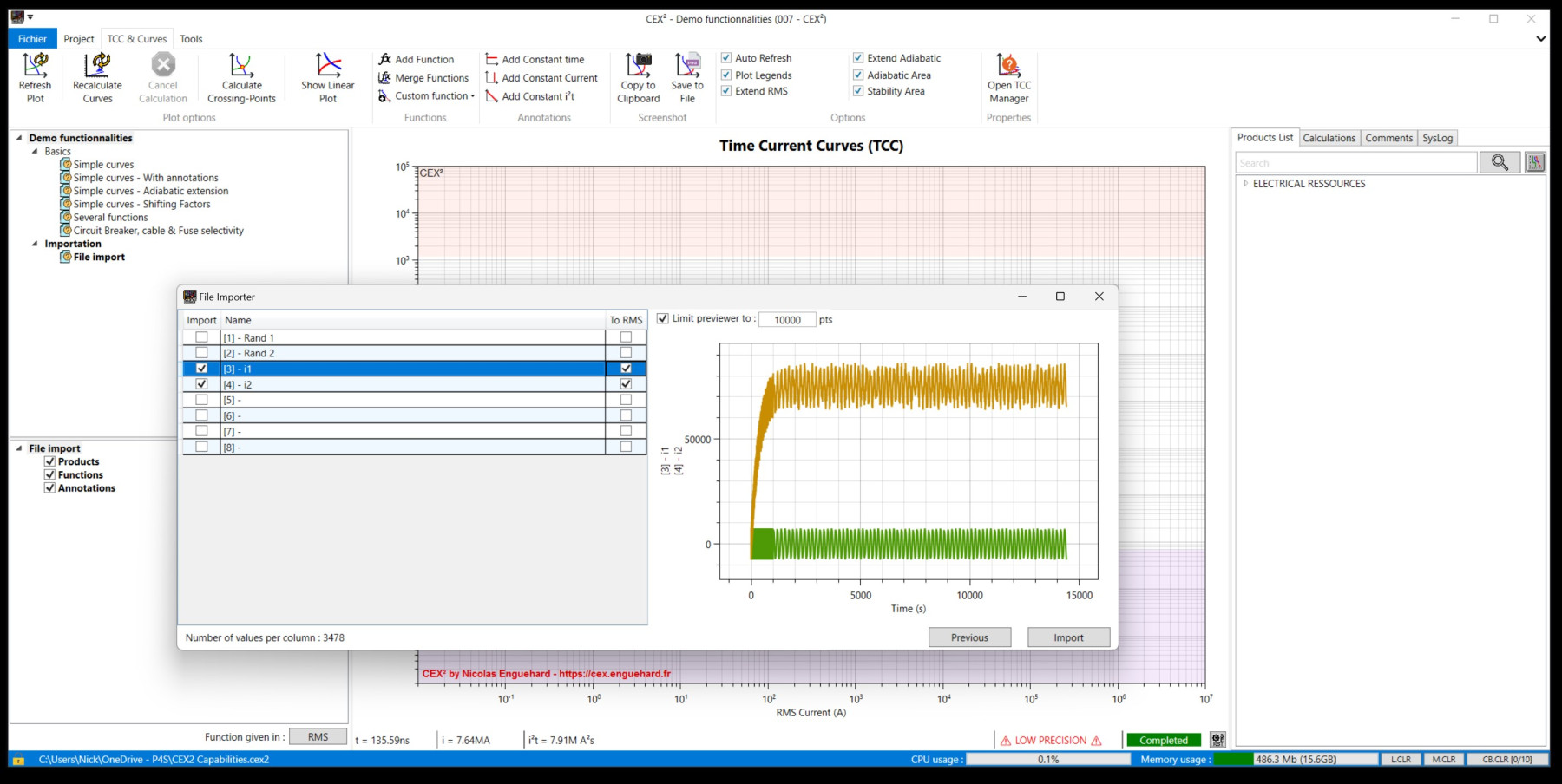
Improvement of the curve calculation, importation of file data and added a function shifter (multiplier coefficient a, permitting to get the y=a.f(x)).
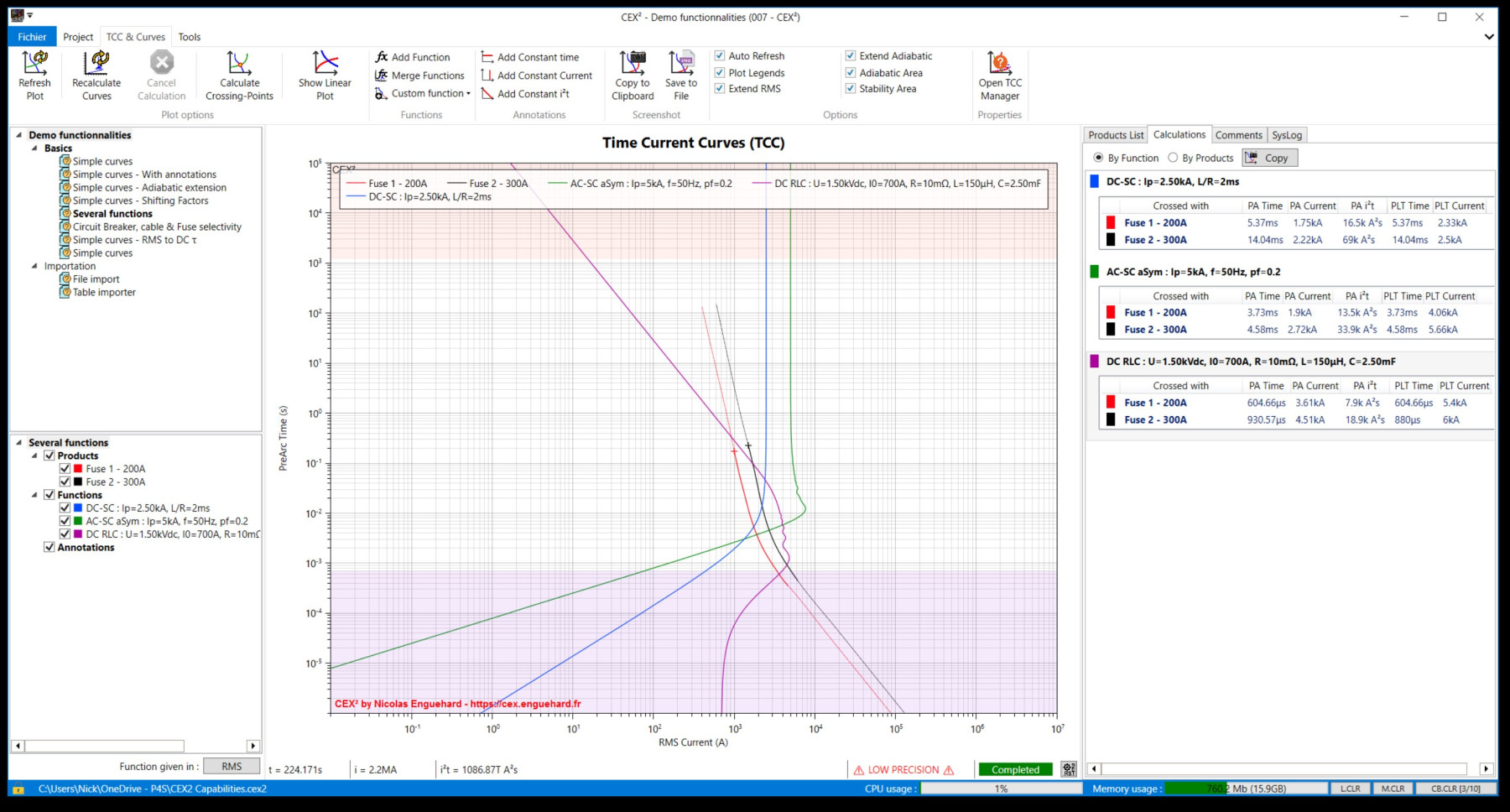
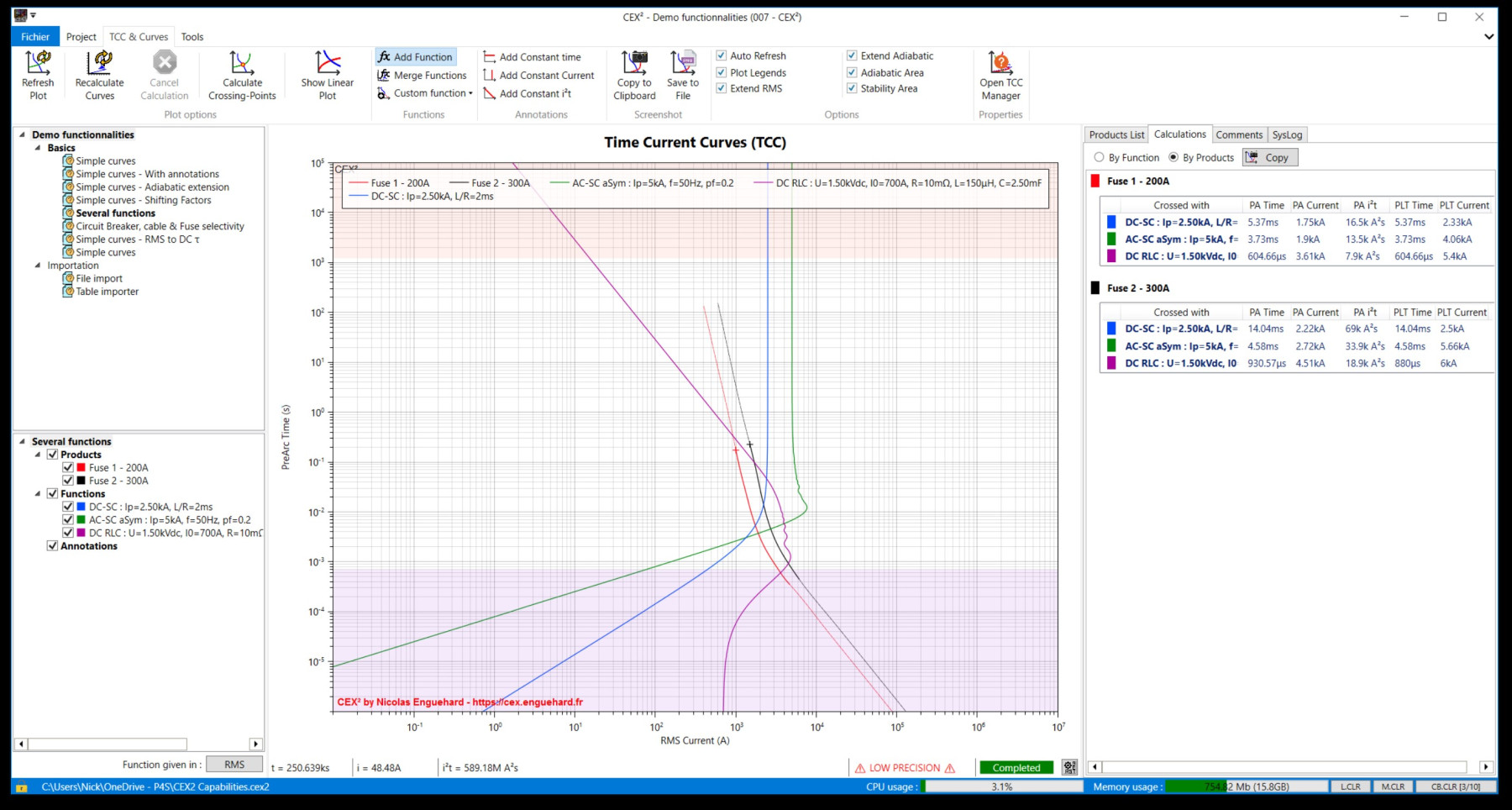
Fixed adiabatic extender calculator. Improved the crossing-point calculation & exportation of table with color of curves.
Change of version codification to a « date version » associated to the old codification version.
Fixed excel export error due to auto-naming.
Improved the export module with a xlsx format (Compatible with MS Excel 2007 and above). Same resolutions (150pts/27kpts).
Exportation of a single curve, a group of curve (product or function) or the whole active TCC. — Only in RMS plotted view.
Added an option to export the TCC, or selected curve, to a csv file.
The exportation format is made for LogLog plot, which means that the time step is quite high to avoid exporting huge files.
2 options are offered : 150pts (low resolution but small file) when curves are continuous (no variation), and 27k pts (hig resolution but bugger file) usefull when the curve has high variation in the range [0;10]s.
Minor fixes. Zoom does not respond correctly, and is unable to be saved. Added manual axis setting in TCC settings. Reduced error during spline calculation.
Minor change. I just added an easy way to extend curve on adiabatic part thanks to the i²t in the CurveCreator app.
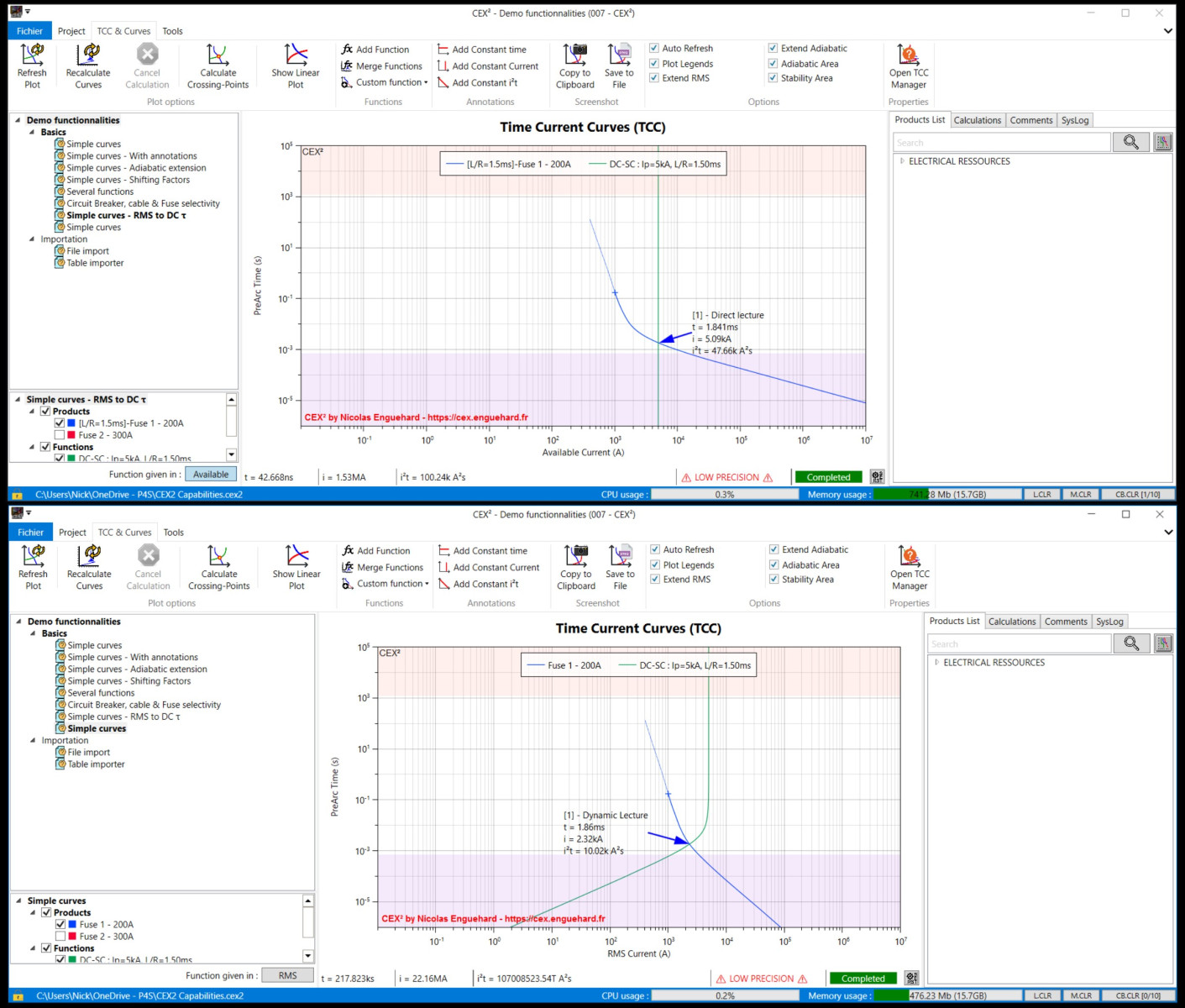
Possibility to switch between RMS and Available current plot. This will affect compatible functions (DC and AC). If one curve in the collection is not homogeneous (it means there is a mix with RMS and Available current values), the x axis will show a warning. Another improvement, the Zoom level is saved for each TCC (Experimental). There is still memory leak, i was unable to fix it, and then the software remains slow after many operations… still investigating.
Added possibility to add Circuit-Breaker curve (single or dual curves) including several parameters related to the CB, directly from a .pct file (text file, easy to make for users). Changed color panel, making easier to modify the thickness/color/shape of curves.
Minor fixing. (Plot was not updating automatically after some parameter changes). Possibility to write custom function in a .fct file, in raw text, so everyone can make easily a new function module without using a compiler. However, these function will not provide the same extensive possibility as a DLL (so compiled code based) module. To be use for continuous and easy mathematical formula.
General improvement of the software (Memory leak), fixed some bugs in the code with somes modules. Added a launcher to permit some CEX files to run the appropriate software without starting the full core. A 3D viewer has been added and is able to show some physical phenomena requiring 3 parameters. It can also open .cex3d files (see EXAMPLES folder).
Fuse Product improved, including L/R depending on Voltage. Minor improvement for Function generation, and TCC management.
Minor fix.
Update on memory management. Minor modification on the function module.
Log recorder updated. Files contening 2 curves are now displayed as « surfaced curves ». User can directly add an imported function file (1 curve only) by dragging a « .frms » contening the time/RMS current values, or a « .finst » contening time/instantaneous current to be converted in RMS, or a « .fraw » which will be displayed as it is without any conversion (zero and negative value cannot be displayed on a LogLog plot). Important values are now displayed on the CrossingPoint viewer.
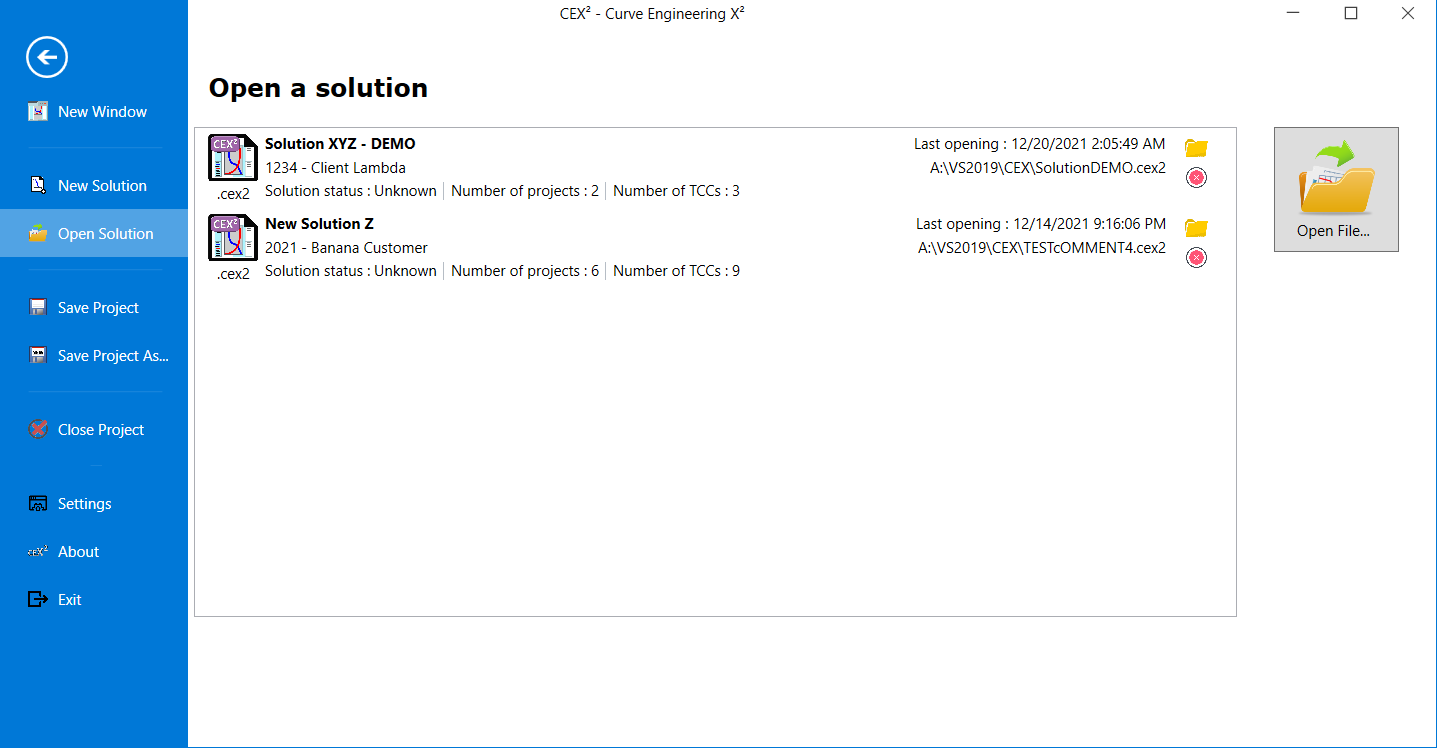
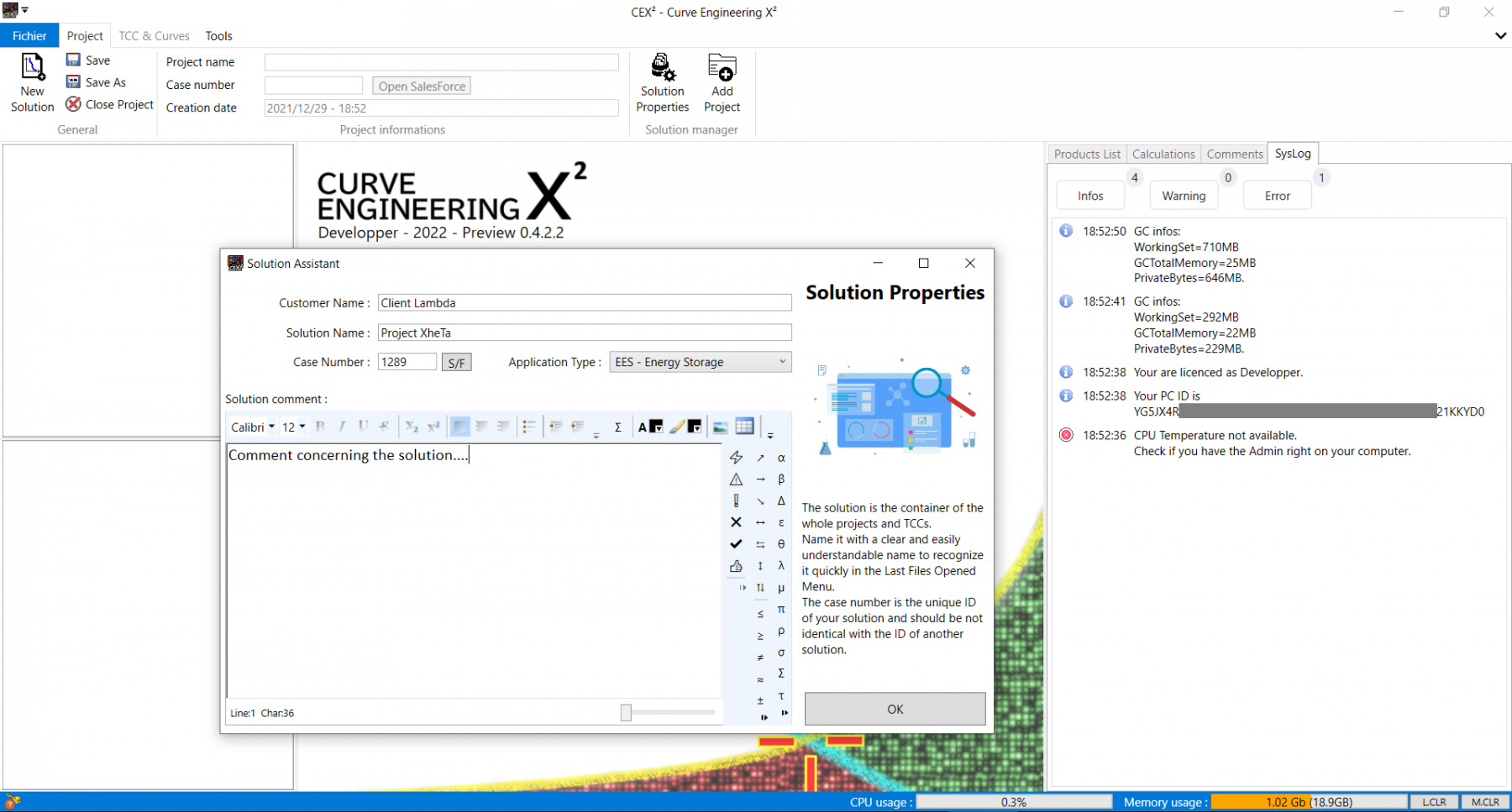
Several bugs fixed (not listed). Now a log file is generated when a critical error appears. Also improved comment box for a much more confortable insertion of special characters. Now the user can save compressed solution files (as exemple, when an imported curve with more than 80k points, can lead to a file around 10Mo, after compression, the file size is around 2Mo… The compression system can divide the file size by 10 in the best conditions.. However, this lead to a slower Loading/Saving operations).
Materials manager completed and linked with Fuse model. Some minor changes to improve UI responsivity. Minor issue fixed in the TCC List viewer and also in some part of the calculation system.
PREVIEW VERSION : Adiabatic interpolator improved but still show some error (angle) if the original curve doesn’t comply with the ‘normal’ shape expected from typical curves. Some error has been fixed in the calculation algorythm. UI should be more reactive by processing some methods in separated threads. Startup screen should be shown immediately. Included, but still under developpement, a materials editor for calculating precisely the heating process coefficient G (also called Meyer coefficient : Km).
Added function and fixed minor issues
Fixing minor issues + Added optimisation functions.
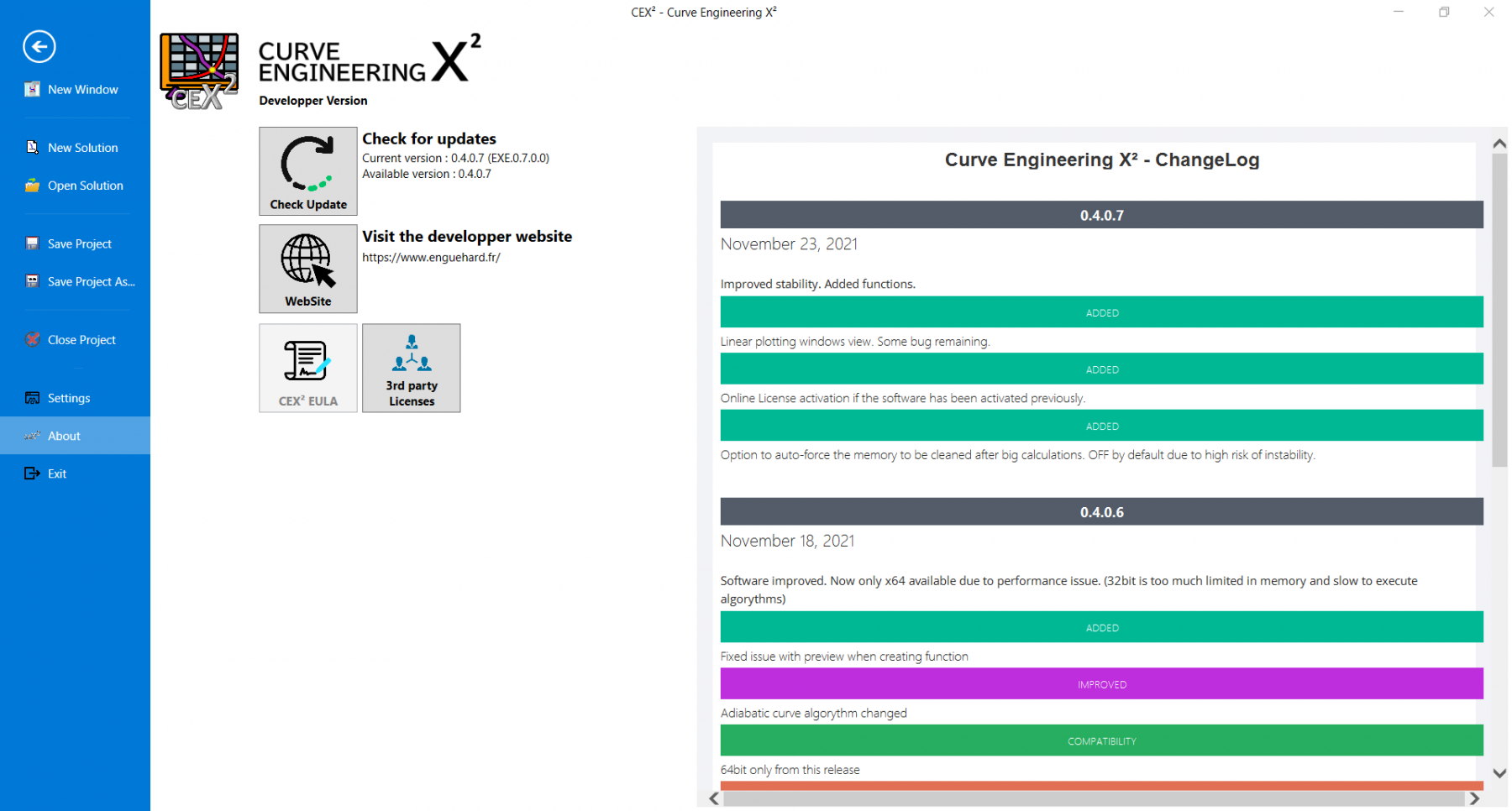
Improved stability. Added functions.
Software improved. Now only x64 available due to performance issue. (32bit is too much limited in memory and slow to execute algorythms)
Mainly calculation algorythm changes to improve performance an calculation time (20% faster).
Not available yet… but ! The new name of this version is CEX². This version is totally redesigned (WinForm ▶ WPF). The GUI is clearer and easier to use. Note that previous version of CEX is NOT COMPATIBLE with the new version as the project manager has been totally reshapped to work as a « Solution » containing severals project, which also contain severals TCCs… The calculation of the curves and function has been modified. It is slower than the previous version but much more accurate.